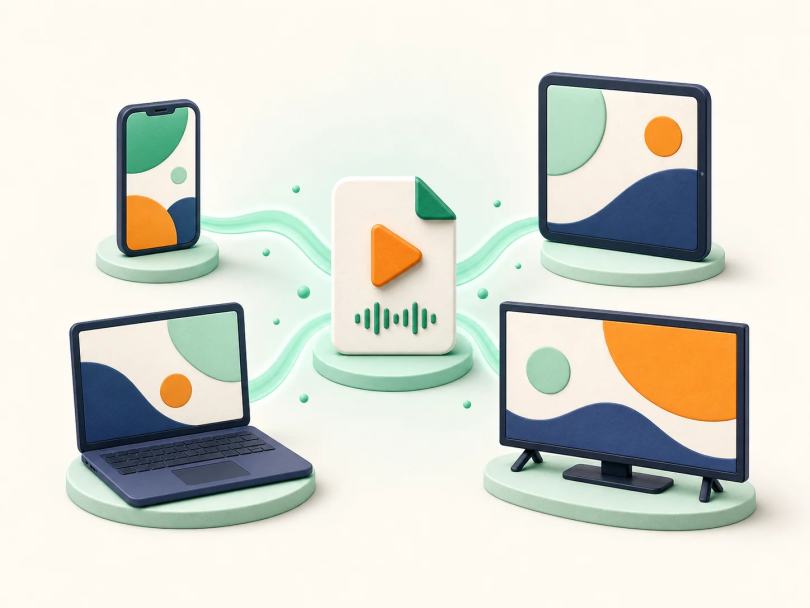

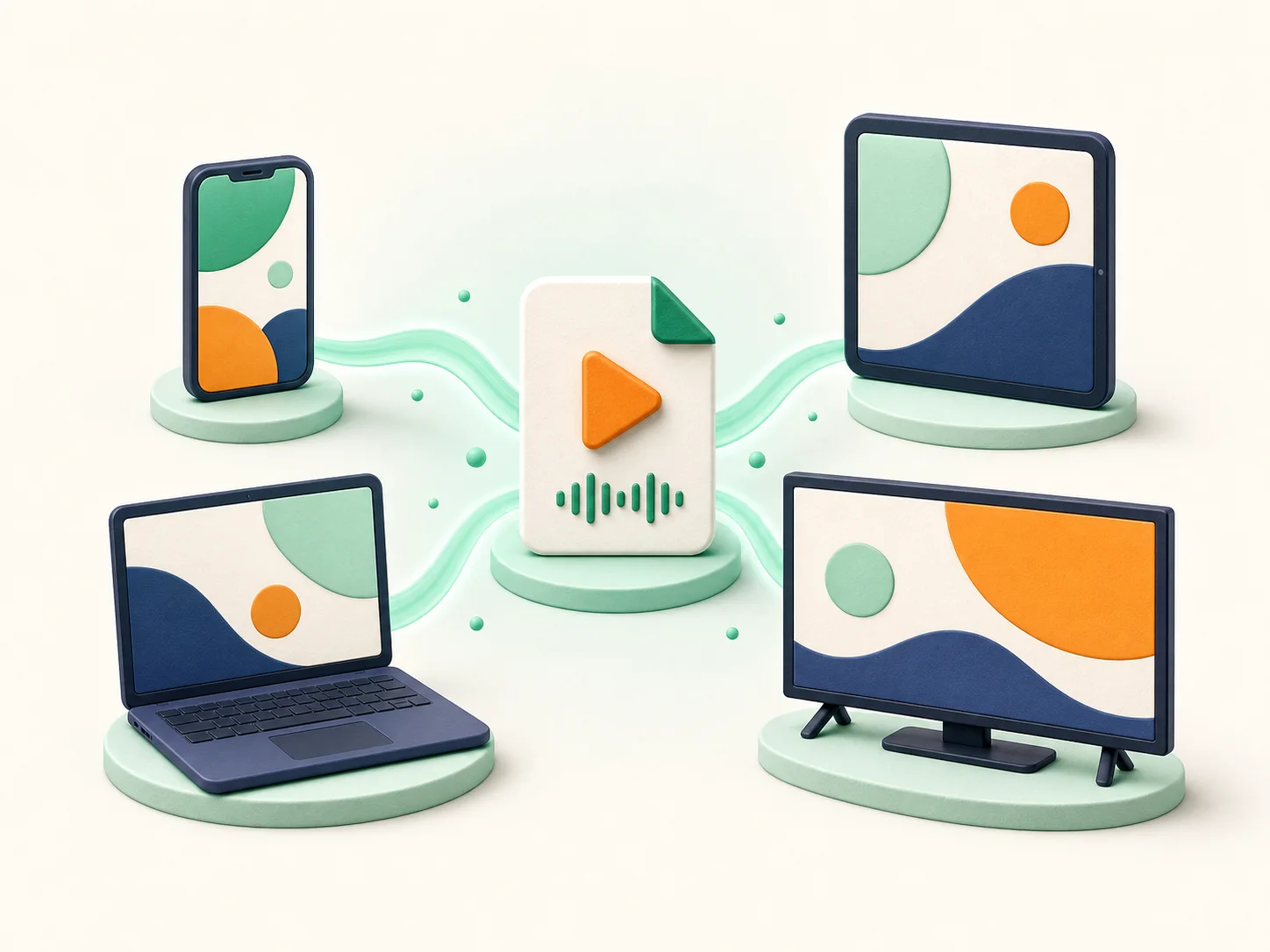
A note typed on your phone at the bus stop is waiting, identical, on your laptop at home — and searchable by a word you only half-remember writing. That small miracle is the product of a surprisingly opinionated stack of engineering. Understanding how note-taking apps work — where your notes actually live, how they synchronise without destroying each other, and how search finds a phrase inside ten thousand notes and a scanned receipt — turns a humble app category into a clear lesson in modern software design. This explainer takes it apart.
Where Notes Live: Local First, Cloud Second
Open a modern note app and you are not looking at the cloud; you are looking at a database on your device. Notes are stored locally — in a structured database with each note as a record holding its text, attachments, metadata (created/modified times, tags, notebook) and a unique ID — which is why the app opens instantly and works in aeroplane mode. The cloud’s job is not storage-instead-of-local but synchronisation-between-locals: your phone, laptop and tablet each hold a copy, and a sync engine reconciles them through the server’s copy. This local-first architecture is why the same app feels instant offline and magical online, and why switching phones with the same account restores everything: the new device simply downloads the server’s reconciled state. It also frames the category’s one real anxiety — the server’s copy is the arbiter of truth, so the company’s reliability, export tools and survival are part of the product you are trusting with your second brain.
Sync and Conflicts: What Happens When Two Copies Disagree
Sync seems simple until the same note is edited on two devices before either syncs — on a flight, say, when the laptop and phone both revise the shopping list of your life. Apps resolve this in tiers of sophistication. Crude sync picks the newest version wholesale (last-writer-wins) and silently discards the other edit. Better systems merge at the paragraph or character level, combining non-overlapping changes and flagging only true collisions. The best borrow from collaborative-document technology — operational transforms and CRDTs, the algorithms behind multi-cursor editors — so simultaneous editing becomes live collaboration rather than conflict. Attachments sync lazier than text: the note arrives instantly, the 40 MB PDF follows when Wi-Fi allows, which is why a fresh device shows your notes before your files. Understanding this machinery explains the apps’ observable quirks — the duplicate note that appears after an offline week (two copies the engine could not prove identical), the “conflicting changes” folder that is really the app confessing its merge failed — and suggests the user’s part of the bargain: let devices sync before editing the same note on two of them.
Organisation: Notebooks, Tags and the Search That Ate Them Both
Apps offer three competing philosophies of order. Notebooks (folders) demand a single home per note — tidy, and brittle when a note belongs to three projects. Tags allow unlimited cross-membership at the price of tag-discipline. And then there is the philosophy that quietly won: capture everything loosely, and let SEARCH be the organisation. Modern note search is genuinely formidable — full-text indexing of every word, optical character recognition (OCR) that reads text inside photos of whiteboards and scanned documents, handwriting recognition in the better apps, and increasingly AI summarisation and question-answering over your own archive — one of the most practical faces of the AI future tech trends this site tracks. The practical synthesis most long-term users reach: a handful of broad notebooks, a light tag habit for status (to-do, waiting, reference), and total reliance on search for retrieval. Organisation theory matters less than the retrieval test: the system works if the note you need surfaces in under ten seconds, in the moment you need it.
The Features That Separate Tools From Toys
Beyond the core, four capabilities decide an app’s professional tier. Capture speed and breadth: web clippers that save the ARTICLE rather than the link, share-sheet capture from any app, email-to-note addresses, scanning with OCR — friction at the entrance decides whether the habit forms at all. Export and exit: your notes must be leavable in open formats (Markdown, HTML, PDF, plain text) in bulk, because a decade of thinking locked in a proprietary database is a hostage situation with good design. Version history: the ability to rewind a note to yesterday’s draft, which turns sync accidents and editing regrets from losses into non-events. And sharing/collaboration controls granular enough for both a family shopping list and a client project. Security completes the list: end-to-end encrypted notes (where the server holds only gibberish) exist in privacy-focused apps and matter exactly as much as the sensitivity of what you write — the same accounts-first mindset our companion guide applies in how to secure your accounts after a password leak, where the tools you trust are inventoried before they are needed.
Choosing and Using Your Second Brain
Choose by your capture reality, not feature envy: the best note app is the one open on the device in your hand at the moment of the thought, syncing to everywhere else you think. Commit to ONE system (fragmented notes across three apps are three failing systems), run the exit test once (export everything, open it, confirm it is usable), and adopt the weekly five-minute review that turns an archive into a working memory — filing the week’s captures, tagging the live projects, deleting the noise. The underlying technology surveyed here — local-first databases, conflict-merging sync, OCR-powered search — exists to make that small human ritual effortless. Knowing how note-taking apps work means knowing where your thoughts actually live and how they travel, which is the minimum due diligence for anyone storing a second brain outside the first.